
Can You Build a Website Yourself? A Beginner's Guide From Planning to Launch
A beginner's guide to building your own website: planning, domain and hosting, platform choice, basic SEO, WordPress vs website builders, and when to hire a professional.
Building a website today is not as hard as it used to be.
You do not need to be a programmer.
You do not need to write thousands of lines of code.
And you do not always need to hire an agency.
With tools like WordPress and website builders, many people can launch a site in just a few days.
But the more important question is:
Is building a website yourself worth the time you invest?
This guide walks through every step — from planning and tool selection to deciding whether DIY or hiring a professional makes more sense.
Can you build a website yourself?
The answer is yes.
Today’s tools let people without a programming background create websites.
For example:
- WordPress
- Wix
- Squarespace
- Shopify
- Webflow
But getting a site live and building a site that generates customers are different goals.
A good website does more than display information.
It should help visitors understand your business, trust you, and contact you easily.
What should you prepare before you start?
Many people rush straight into picking a theme or designing the homepage.
Planning should come first.
Answer these questions:
- What is this website for?
- Who is the target audience?
- What should visitors do on the site?
- How many pages will you need?
- Where will traffic come from?
If the goal is unclear, the website usually underperforms too.
Steps to build a website yourself
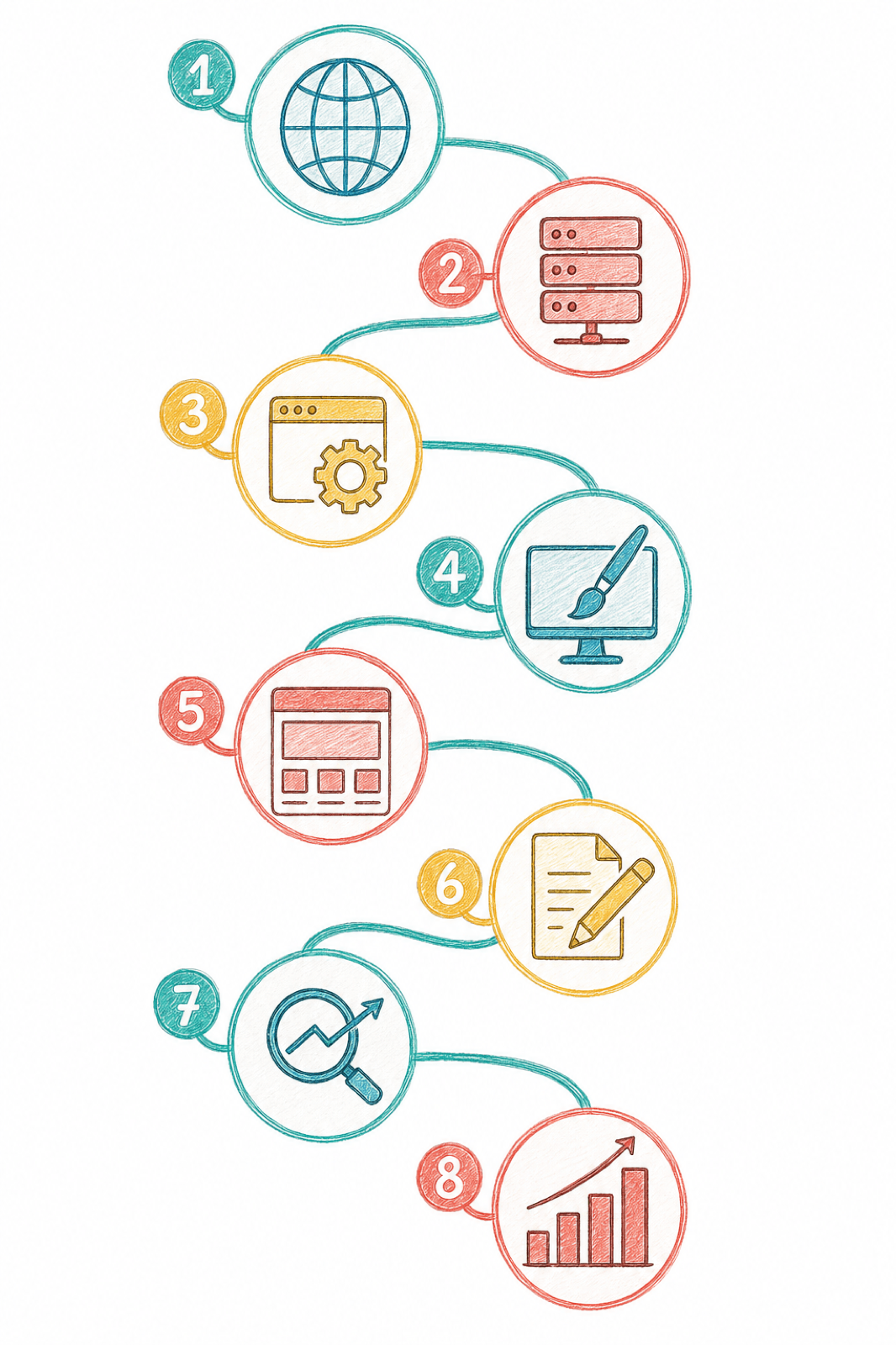
1. Register a domain name
A domain is your website address.
For example:
yourcompany.com
Choose a name that is:
- Easy to remember
- Easy to spell
- On-brand
- Not too long
2. Choose hosting
Hosting is where your website files are stored.
Look for a provider with:
- Good speed
- Backups
- SSL
- Reliable support
3. Choose a platform
For business websites, read what WordPress is and why it remains popular — the platform supports SEO well and scales easily.
For online stores, consider Shopify.
For a simple site with less maintenance, a website builder is another option.
4. Choose a theme
A theme controls how your site looks.
Pick one that is:
- Responsive
- Fast
- Mobile-friendly
- SEO-friendly
You do not need the flashiest theme.
Usable sites usually deliver a better experience.
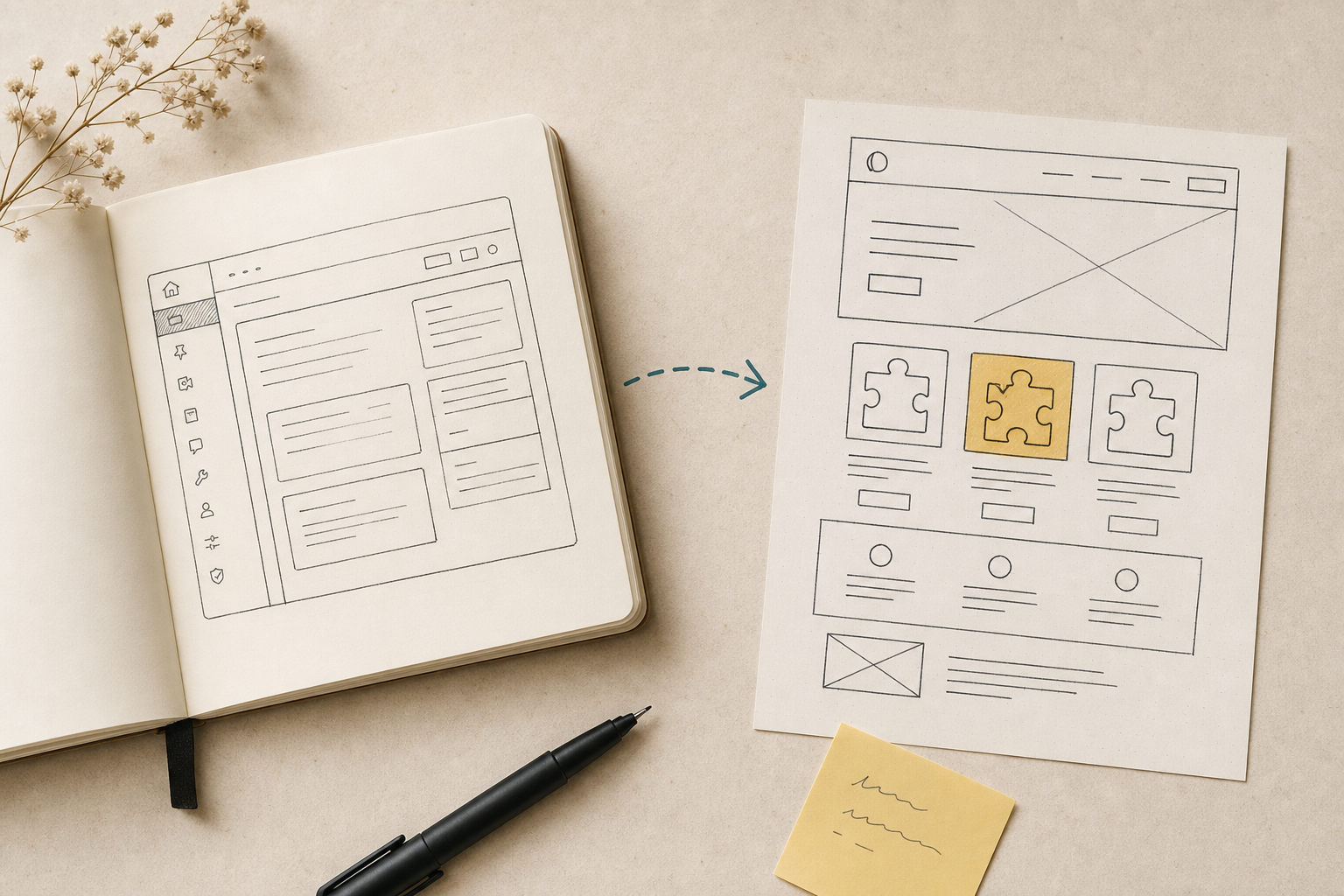
5. Build your core pages
A typical company website should include at least:
- Home
- About
- Services
- Portfolio or case studies
- Blog
- Contact
- Privacy policy
For campaign-specific pages, understand what a landing page is before you build traffic destinations.
6. Write the content
Many sites over-invest in design and under-invest in copy.
Good content answers customer questions.
It is not just a founding story or vision statement.
7. Set up basic SEO
Before launch, check:
- Title tags
- Meta descriptions
- Headings
- URLs
- Alt text
- Internal links
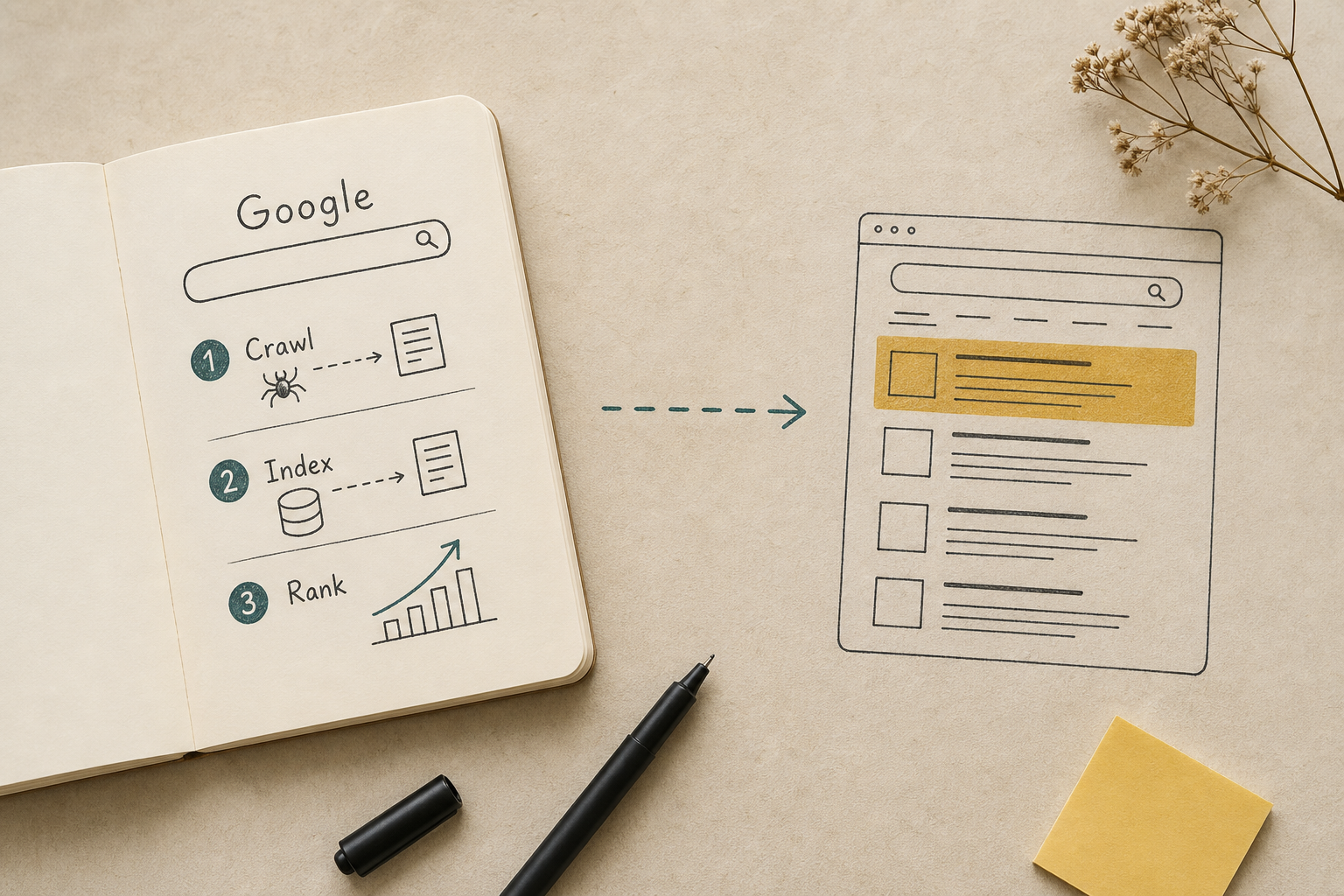
These help Google understand your site. If you need the fundamentals first, read what SEO is.
8. Connect analytics tools
At minimum, install:
- Google Analytics 4
- Google Search Console
So you can see:
- How many people visit
- Where traffic comes from
- Which pages perform best
- What people search for
Do you need to write code?
For most websites,
the answer is no.
WordPress and website builders use drag-and-drop editors.
If you need custom functionality or advanced styling, HTML, CSS, or JavaScript will help.
WordPress vs website builders — which should you choose?
| Platform | Strengths | Limitations | Best for | SEO |
|---|---|---|---|---|
| WordPress | Highly customizable, easy to scale | Requires updates and plugin care | Long-term business and SEO sites | Excellent |
| Wix | Easy start, low maintenance | Limited deep customization | Small brochure sites | Moderate |
| Shopify | Full store stack | Monthly cost, theme limits | E-commerce | Strong for products |
| Webflow | Precise design control | Steeper learning curve, higher cost | Design-led brands | Strong |
If you want leads and long-term SEO, WordPress is usually the more flexible choice.
Can AI build a website for you?
AI website builders can generate a site from a short brief.
Benefits include:
- Faster setup
- Quick structure
- Good for prototypes
But AI still cannot understand your business at the same level as a human strategy.
Especially for:
- Search intent
- Conversion
- SEO
- Audience messaging
Treat AI as a helper, not the whole answer.
DIY vs hiring a professional — which is more worthwhile?
DIY works well when you have:
- A small website
- A limited budget
- Time to learn
- A need to edit things yourself
Hiring works better when you need:
- A lead-generation website
- A B2B presence
- SEO from day one
- Complex functionality
- To protect your time
If the hours you spend learning would earn more elsewhere, corporate website services from specialists may deliver a better return.
Common mistakes
- Choosing a theme only because it looks pretty
- Using oversized images that slow the site down
- No clear call to action
- No dedicated services page
- No Google Analytics
- Ignoring SEO
- Skipping mobile testing
- No backups
Website launch checklist
Summary
Building a website yourself is far more accessible than it used to be. Modern tools let business owners launch without writing code.
But success is not measured by launch day alone.
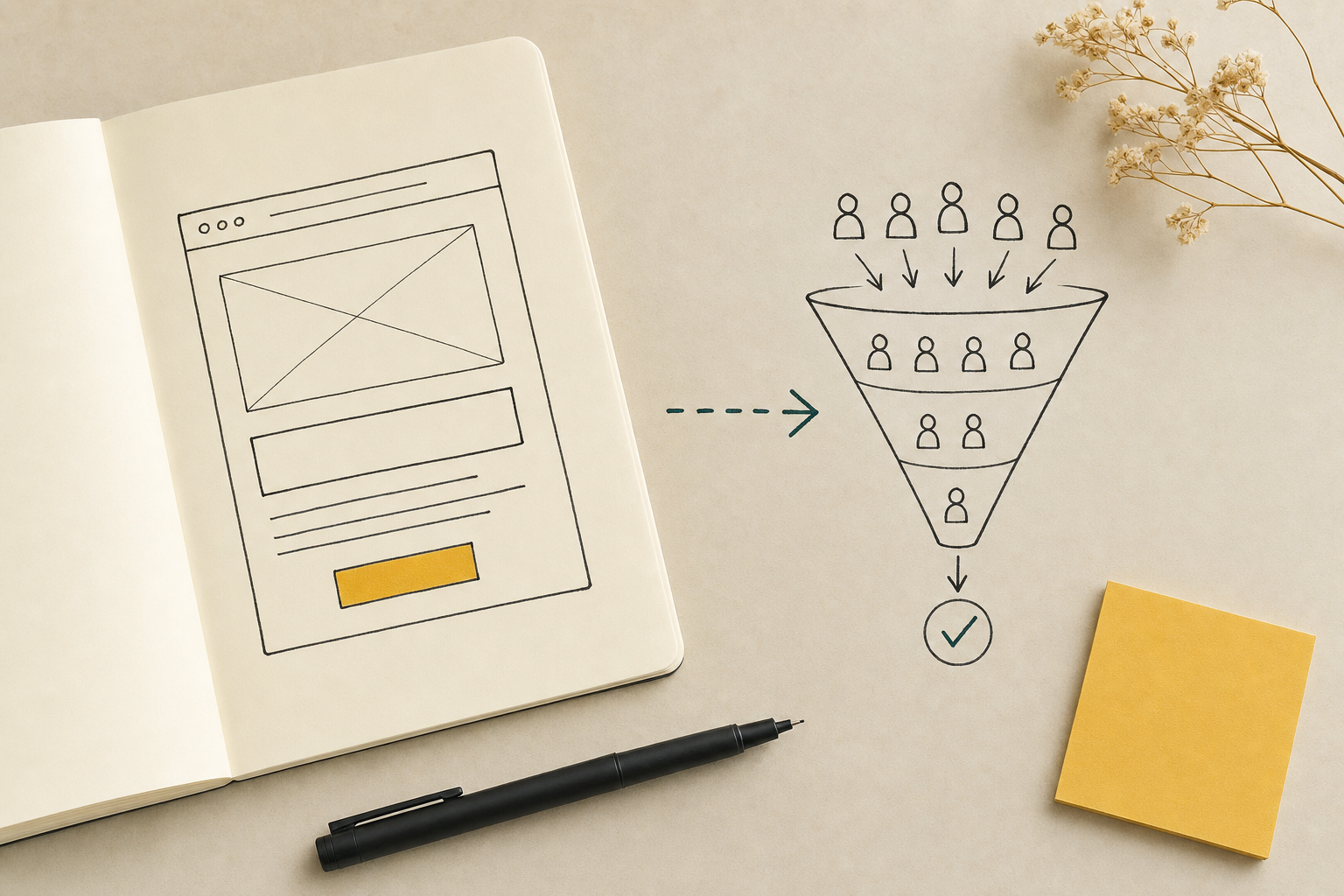
A strong website builds trust, attracts the right visitors, and turns them into customers.
Before you commit to DIY, weigh budget, time, and business goals. If your website is a major revenue channel, investing in proper planning and development usually pays off long term.
Frequently asked questions
Can you build a website yourself?
Yes. Tools like WordPress, Wix, Squarespace, Shopify, and Webflow let non-developers build websites. But a site that launches and a site that generates customers are not the same thing.
Can you build a website for free?
Yes, but free sites usually limit your domain, storage, and customization. If your website is a key revenue channel, investing in a proper domain and hosting is usually worth it long term.
How long does it take to build a website?
A basic site can take a few days. A multi-page business website often takes 2–8 weeks depending on complexity and how ready your content is.
Do you need to learn programming?
Not for most websites. WordPress and website builders use drag-and-drop editors. Basic HTML, CSS, or JavaScript knowledge helps when you need deeper customization.
Can you do SEO after building a website yourself?
Yes. SEO depends on more than the tool — keyword research, content, and ongoing optimization all matter.
Do you need to write code to build a website yourself?
For most sites, no. WordPress and website builders handle layout without code. Custom features or advanced tweaks may require HTML, CSS, or JavaScript.
WordPress or a website builder — which is better?
For lead generation and long-term SEO, WordPress is usually more flexible. Website builders suit smaller sites that need a fast start and less maintenance.
Can AI build a website for you?
AI website builders save time and produce quick drafts, but they still struggle with search intent, conversion strategy, SEO, and audience messaging the way a human strategist can.
Is DIY or hiring a professional more worthwhile?
DIY suits small sites, tight budgets, and people with time to learn. Hiring suits lead-driven sites, B2B, SEO-focused builds, and complex systems. If your time is better spent selling, hiring often pays off.
What is a domain name?
A domain is your website address, such as yourcompany.com. Choose something easy to remember, spell, and associate with your brand — without making it too long.
What is web hosting?
Hosting is server space where your website files live. Choose a provider with good speed, backups, SSL, and reliable support.
What should you check before launching a website?
Confirm the domain works, SSL is active, mobile layout looks good, speed is acceptable, every page has a title and meta description, Google Analytics 4 and Search Console are connected, contact forms work, a privacy policy exists, and backups are in place.